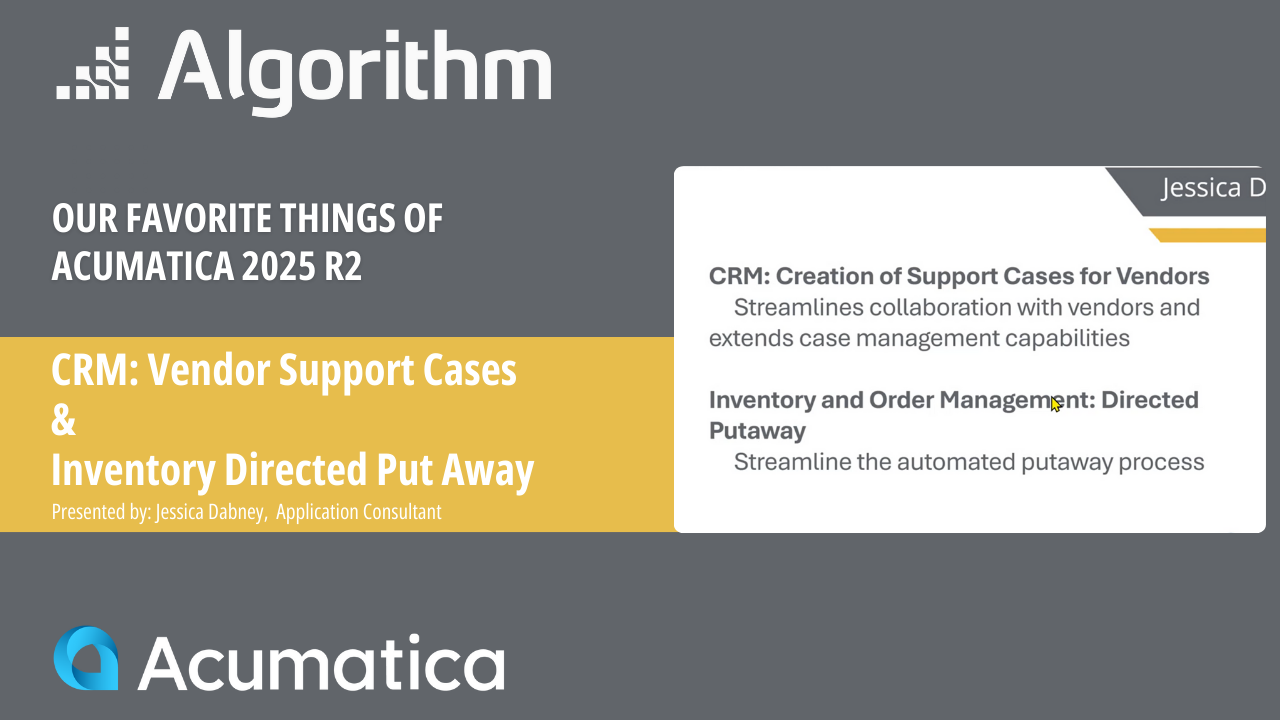
In this Favorite Things of Acumatica 25R2 session, Algorithm consultant Jessica Dabney walks through two powerful updates that streamline vendor management and warehouse operations: Support Cases for Vendors and Directed Put Away in WMS.
Jessica begins with an overview of how Acumatica’s enhanced CRM capabilities allow teams to create, track, and manage support cases directly for vendors, perfect for monitoring warranties, supplier performance, and communication history. You’ll see how case classes, vendor requirements, and linked activities help your team work more efficiently.
Next, she demonstrates Directed Put Away, a major win for distribution and manufacturing teams. With new default put-away locations and improved warehouse setup, Acumatica 25R2 eliminates guesswork by guiding employees through accurate receiving, staging, and final bin placement.
You'll see step-by-step how receiving and put-away transactions are streamlined using the automated WMS tools.
What Jessica Covers:
- How to enable and configure Support Cases for Vendors.
- Where vendor-linked cases appear in CRM.
- Attaching emails & activities to vendor cases for complete audit trails.
- How Directed Put Away works in 25R2 for receiving and warehouse transfers.
- Setting default put-away locations for items.
- How WMS now guides employees through accurate inventory placement.
These enhancements help manufacturers and distributors reduce errors, improve communication, and tighten control over both vendor relationships and warehouse workflows.
%20(1)-compress-2.png?quality=low&width=250&height=46&name=white%20font%20_%20gold%20image_horizontal%20version_transparant%20background1-2%20(1)%20(1)-compress-2.png)